
Digital Analytics Audit: Your Guide to Data Accuracy

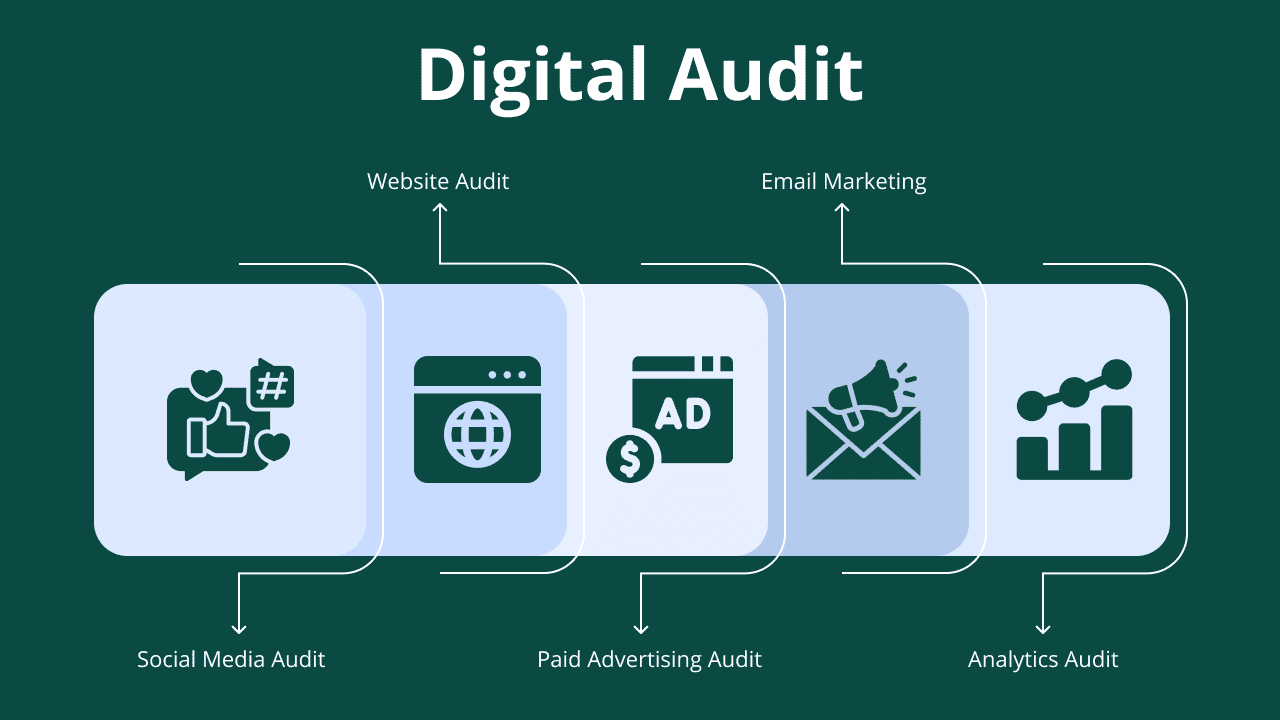
In an era where every click, scroll, and interaction generates data, accuracy is non-negotiable. Businesses rely on analytics not just to measure performance but to guide strategic decisions. However, when tracking errors or misconfigurations go unnoticed, even the most sophisticated reports can tell the wrong story. A digital analytics audit provides the clarity and confidence that every data-driven organization needs. It’s a structured evaluation of your tracking ecosystem, verifying that tools such as Google Analytics 4, Google Tag Manager, and data layers are implemented correctly and that they deliver trustworthy insights. By conducting a professional audit, you uncover hidden tracking gaps, improve reporting accuracy, and ensure that every marketing decision is based on solid, verifiable data.
What Is a Digital Analytics Audit?
Definition and Core Purpose
A digital analytics audit is a systematic assessment of the effectiveness of your digital tracking, measurement, and reporting systems. This audit goes beyond surface numbers to examine the accuracy, completeness, and reliability of your data. The primary goal is to ensure that decision makers have reliable insights that reflect actual user behavior, allowing businesses to confidently align their digital strategies with measurable results.
If you’re new to digital analytics or want to understand the tools and trends shaping its future, check out this related article: What Is Digital Analytics? Tools, Strategies, and Future Trends. It provides valuable context that complements your audit process.
Why is an Audit More Than Just a Check-up
Unlike a routine checkup, a digital analytics audit provides an in-depth, strategic review of your data ecosystem. It not only uncovers errors but also uncovers hidden opportunities for improvement. Whether you're expanding your marketing campaigns, improving user experience, or entering new markets, an audit gives you the clarity you need to make critical decisions.
Key Components of a Comprehensive Audit
A comprehensive audit includes several key aspects:
Tag Implementation: Verifying that tracking codes are working correctly.
Goal & Event Tracking: Ensuring accurate measurement of conversions and user interactions.
Data & E-Commerce Layer Setup: Verifying data integrity in transaction tracking.
Filter & Display Configuration: Verifying that data is properly segmented and cleaned.
The Difference Between an Audit and Regular Reporting
Regular reports show what is happening. A digital analytics audit uncovers why it’s happening and how to improve it. While reports provide quick snapshots of performance, audits enable stakeholders to gain actionable insights that contribute to smarter strategic decisions.
How a Digital Analytics Audit Improves Data Quality and Decision-Making
Identifying and Fixing Data Collection Gaps
Every effective marketing strategy starts with accurate and complete data. A digital analytics audit helps businesses uncover missing or inconsistent tracking elements that could lead to incomplete insights. By identifying these gaps, whether in event tracking, conversions, or audience segmentation. Stakeholders can ensure that every digital interaction is properly recorded and analyzed. This step ensures that no valuable user behavior is missed.
Ensuring Data Accuracy and Reliability
High-quality data is essential for making reliable business decisions. Through a structured auditing process, errors such as duplicate tracking, outdated tags, or misconfigured events are identified and corrected. By using auditing tools like Google Analytics 4 and Google Tag Manager, organizations build a reliable database that supports smarter investments and clearer reporting.
Transforming Raw Data into Actionable Insights
Collecting data is just the beginning. Digital analytics audits transform raw numbers into valuable, actionable insights. With more accurate and clear data, businesses can spot patterns, predict performance, and make informed strategic decisions. This leads to better marketing ROI, enhanced customer experience, and a better conversion rate.
Step-by-Step Checklist for a Successful Digital Analytics Audit
Step 1: Define Your Analytics Goals and KPIs
- Align with core business objectives (e.g., lead generation, e-commerce sales).
- Identify primary and secondary KPIs.
- Ensure goals reflect your digital growth strategy.
Step 2: Review Your Tag Management Setup
- Audit your tag management tool, such as the Google Tag Manager container structure.
- Check tag firing rules and triggers.
- Remove unused or outdated tags.
Step 3: Validate Event and Conversion Tracking
- Test all crucial user interactions: form submissions, clicks, downloads.
- Verify that e-commerce events (purchase, add to cart) fire with correct data.
- Ensure goal completions are recorded reliably in your reports.
Step 4: Verify Reporting Consistency in Analytics Tools
- Cross-reference data between your tag manager, GA4/Adobe Analytics, and other platforms.
- Audit filters, internal traffic exclusions, and view settings.
- Align tracking with business reporting standards.
Step 5: Document Findings and Implement Fixes
- Create a clear, prioritized report of issues, opportunities, and actionable recommendations.
- Implement the necessary technical corrections.
- Schedule a follow-up review to validate data quality and accuracy post-fixes
Web Analytics Audit Checklist: How to Audit Your Website Tracking?
Review Key Web Analytics Tools (GA4, Adobe Analytics, etc.)
The foundation of any web analytics audit starts with a review of your primary tracking tools. Whether you’re using Google Analytics 4 or Adobe Analytics, it’s crucial to ensure they’re implemented correctly, properly configured, and capturing all essential user interactions.
- Confirm the correct property and view settings.
- Verify data streams and integrations.
- Check time zones, filters, and data retention settings.
Check Pageview, Event, and Conversion Tracking Setup
- Ensure pageviews are firing accurately on all pages.
- Validate event tracking for clicks, scrolls, and form submissions.
- Test conversion tracking to confirm goal completion accuracy.
Validate E-commerce or Goal Tracking (if applicable)
- Audit the entire purchase funnel, product view, add-to-cart actions, and transactions.
- Confirm key metrics like revenue, transaction ID, and product details are passed without error.
- Check for revenue consistency in reports.
Ensure Data Accuracy in Dashboards and Reports
- Compare tracked data with backend or CRM records.
- Identify discrepancies in key metrics.
- Ensure the data presented to stakeholders is a true and actionable reflection of performance.
Mobile App Analytics Audit Checklist: How to Audit Your In-App Tracking?
Mobile App Analytics Audit Checklist: How to Audit Your In-App Tracking?
A strong mobile analytics setup begins with a properly implemented SDK. Whether you use Firebase, AppsFlyer, or Adjust, it’s essential to verify that your SDK configuration accurately captures user activity.
- Check if the SDK is installed in all app environments (iOS and Android).
- Confirm correct event logging and session handling.
- Validate integration with attribution and engagement platforms.
Validate In-App Events and User Properties
- Ensure key user actions (sign-ups, purchases, engagement) are tracked.
- Verify user properties (e.g., device type, location, campaign source).
- Identify any missing or redundant event tracking.
Reviewing Push Notification and Deep Linking Tracking
- Audit push notification tracking for engagement and conversions.
- Validate deep links and campaign attribution accuracy.
- Ensure seamless user flow between campaigns and in-app actions.
Audit Funnel Tracking and Retention Metrics
- Review funnel steps for onboarding, engagement, and purchase flows.
- Confirm drop-off points and retention events are correctly logged.
- Check cohort analysis and lifetime value reporting accuracy.
Ensure Consistency Between Mobile and Web Data
- Align event naming conventions across platforms.
- Compare conversion data between app and web dashboards.
- Ensure unified reporting for better cross-channel insights.
When You Should Run a Web or Mobile Analytics Audit
Common Signs Your Data Might Be Wrong
Be alarmed if you see:
- Inconsistent reports where numbers don't match between platforms.
- Sudden, unexplained drops or spikes in traffic or conversions.
- Conversion rates seem unreasonably high or low.
- A significant amount of traffic is being reported as "direct" or “(not set)."
Schedule an audit during these critical junctures:
- Before launching major marketing or advertising campaigns.
- After a website redesign, app update, or platform migration.
- When introducing new tagging, tracking, or attribution tools.
Running an audit at these key points ensures your data supports strategic decision-making.
How Often Should You Audit Your Analytics Setup?
A best practice for most organizations is to conduct an audit quarterly or at least biannually. Regular audits help detect issues early, prevent data loss, and keep tracking aligned with evolving business goals.
Who Should Own the Analytics Audit Process?
While an in-house marketer can perform basic checks, a deep audit requires specialized expertise. An external digital analytics consultant brings an unbiased perspective, advanced technical skills, and dedicated focus to uncover hidden issues an internal team might miss, ensuring no stone is left unturned in the pursuit of data integrity. An external consultant can also provide Training to upskill your in-house team

Related Posts
The Future of SEO: The State of SEO i...
The digital marketing landscape is undergoing a massive transformation with the emergence of AI-powered search. Google’s Search Generative Experience (SGE), ChatGPT, and Bing Copilot are redefinin...
The Future of Paid Ads in the AI Era
Digital advertising has long been the lifeline for businesses seeking rapid growth, exposure, and increased conversions. From Google Ads to Meta’s advanced audience targeting, paid media has been o...
There are no comments yet.